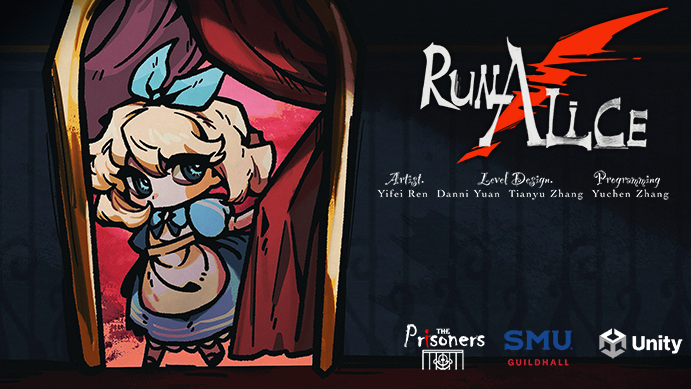
Trailer
Project Summary
Description: Run! Alice is a single-player 2D side-scrolling puzzle-platformer set in a fantastical theatre-inspired world, where players solve intricate puzzles and navigate stealth mechanics in an 'Alice in Wonderland'-themed adventure. Players take on the role of Alice, who has been captured by the Queen of Hearts, and must avoid the guards' sight while finding a way to escape the castle. The player uses on-screen buttons to move the character and interact with the environment. The game consists of four levels in total.
Team Size: 4 team members
Editor: Unity
Development Time: 4 Month
Mode: Single Player
Time to Complete: 10-15 minutes
Game Pillars
Puzzle Gameplay
Theatre Style
Alice in Wonderland Theme
My Roles & Responsibility
Design and Build Level 2 and Level 4 in Unity
Wrote Game Design Document
C# Scripting for all the mechanics in the game
Creating Trailer
Level Descriptions
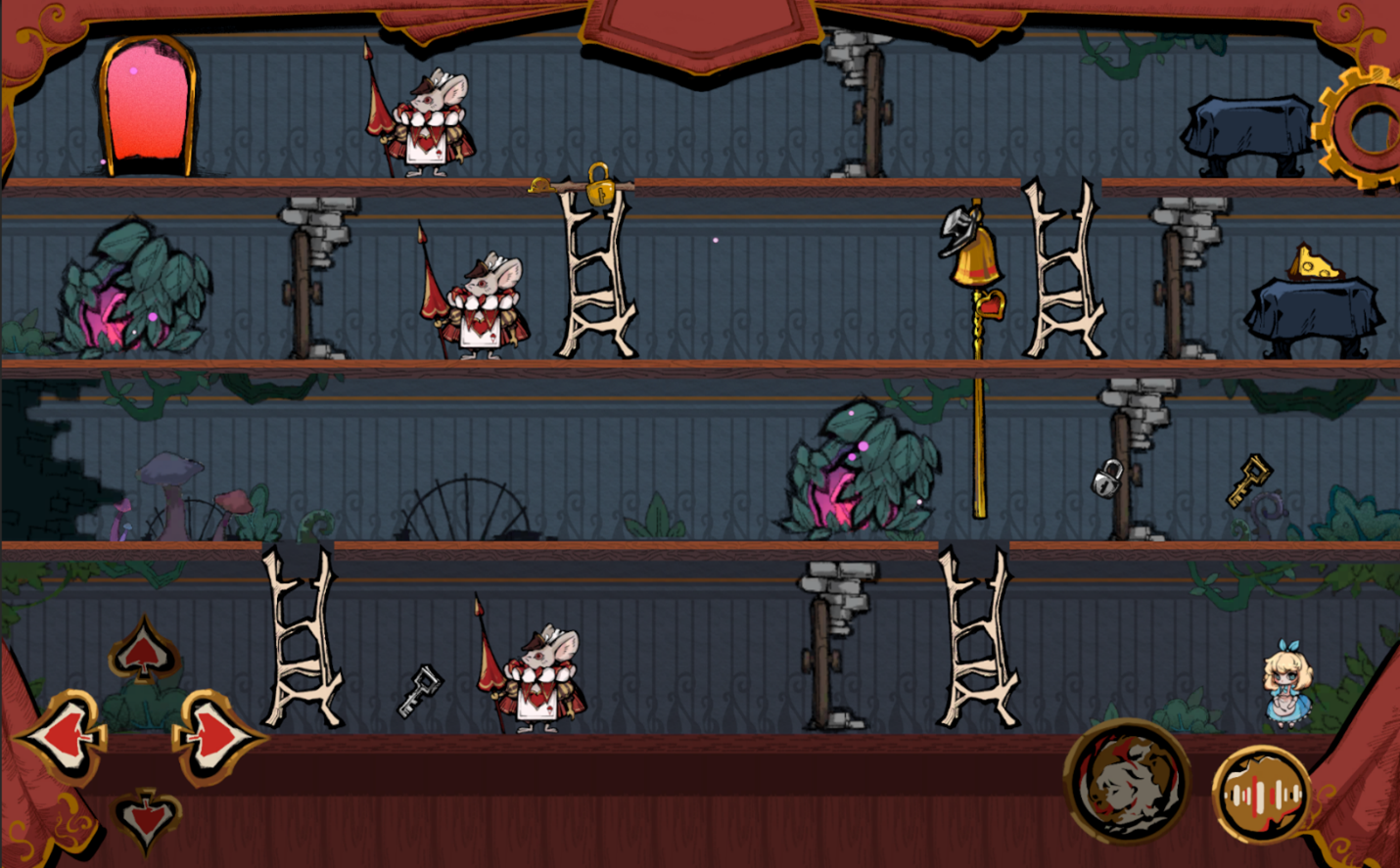
Level 2
This Level is the second level in the game. The level introduces a new mechanic - Rabbit Hole - which the players can use the Rabbit Hole to teleport to another Rabbit Hole. Also, this level reinforces the Cheese mechanics and Bell Mechanics we introduced in the first level. This level is harder than the first level, but since this level also introduces new mechanics, it will be easy and interesting after the players think about the method to complete the level.
Level 4
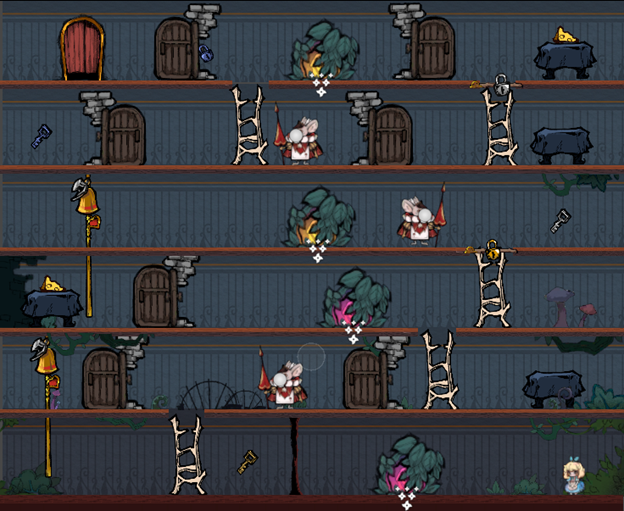
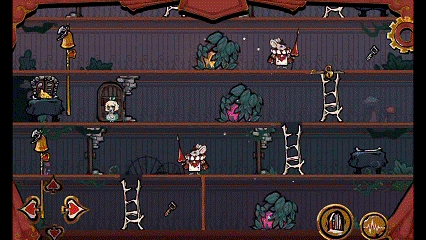
This Level is the fourth level in the game. The players need to use all the mechanics they learned from the previous level to complete the level. Also, this level has 6 floors which is much larger than the previous level, the players need to plan and think about moving across floors to solve the puzzle. The players need to think about using different ways to attract enemy attention and use that time to get key and move to next floor.
Postmortem
What Went Well?
Creating interesting levels and making the levels have good pacing. The difficulty level increases gradually as players progress.
Effectively communicating with my teammates. Once I had anything that I did to adjust in Unity, I first made sure no one was working on the Scene I planned to adjust. Also, I will let the teammates check the adjustment and make more changes based on their feedback.
Helping my teammates with the scripting issues.
What Went Wrong?
Since I did not have enough experience of working on the same Unity project at same time and did not use P4V before, it causes some chaos on project management and submitting changes on P4V in the first several milestones.
I did not have a clear idea about which parts of tasks should be high priority, which made the production session not smooth and sometimes made the day before delivery a little bit stressful.
Overestimating the tasks I can finish in the Sprint, and made I cannot finish every task on the board.
What I Learned?
It’s important to tell the team members clearly when submit changes to P4V, so that every team member can have clear recognition for the task completion and implementation.
I should discuss with the teammates about the tasks that need to be finished first and make sure there is time left for our SD and LDs to test the project and debugging.
I should set some time space when planning the tasks for each Sprint. There will always be something that will affect the progress of the tasks and make the time to finish the tasks longer than the estimated time.